

POWER SUPPLY
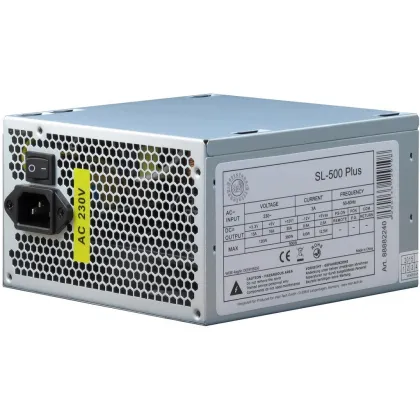
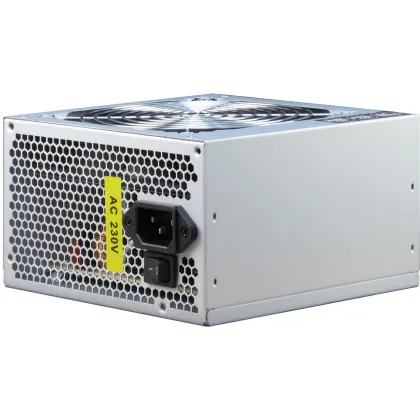
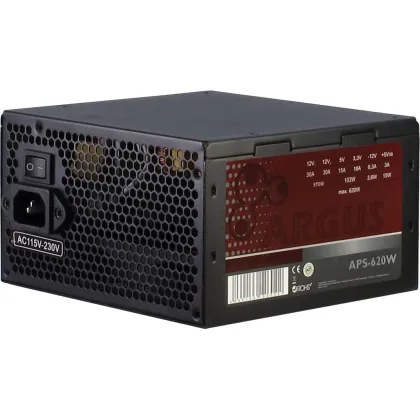
€43.99 Inc. VAT
€36.97 Excl. VAT
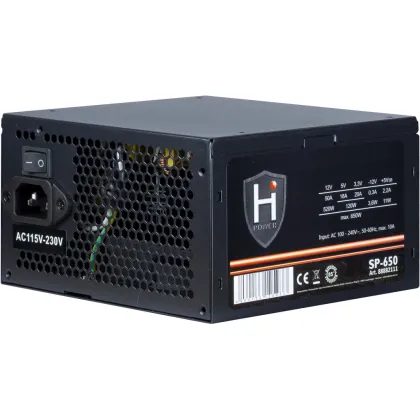
€46.99 Inc. VAT
€39.49 Excl. VAT
€55.99 Inc. VAT
€47.05 Excl. VAT
€69.99 Inc. VAT
€58.82 Excl. VAT
€69.99 Inc. VAT
€58.82 Excl. VAT
€89.99 Inc. VAT
€75.62 Excl. VAT
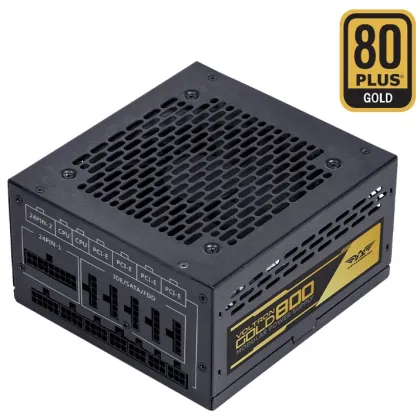
€89.99 Inc. VAT
€75.62 Excl. VAT
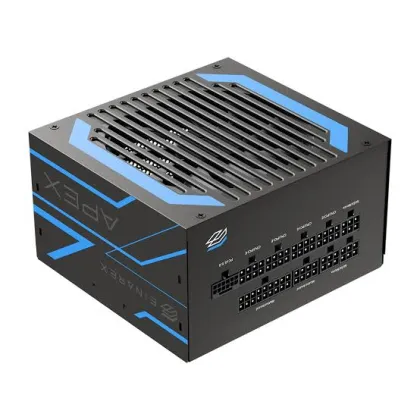
€89.99 Inc. VAT
€75.62 Excl. VAT
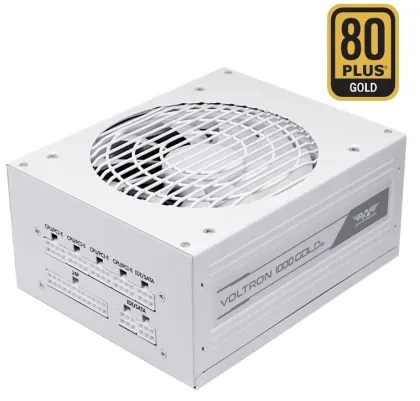
€99.99 Inc. VAT
€84.03 Excl. VAT
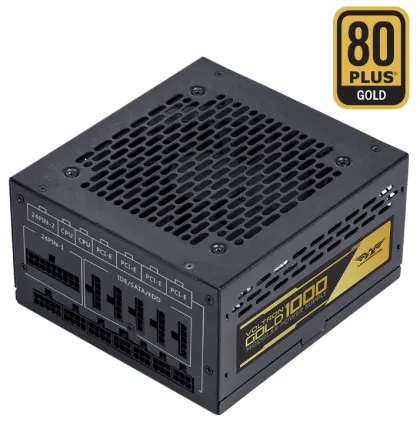
€99.99 Inc. VAT
€84.03 Excl. VAT
€99.99 Inc. VAT
€84.03 Excl. VAT
€129.99 Inc. VAT
€109.24 Excl. VAT
€129.99 Inc. VAT
€109.24 Excl. VAT
€139.00 Inc. VAT
€116.81 Excl. VAT
€139.99 Inc. VAT
€117.64 Excl. VAT
€159.99 Inc. VAT
€134.45 Excl. VAT
€175.00 Inc. VAT
€147.06 Excl. VAT
€179.00 Inc. VAT
€150.42 Excl. VAT
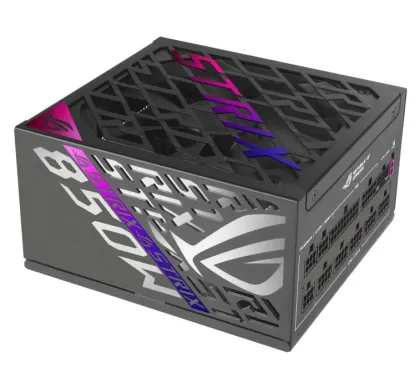
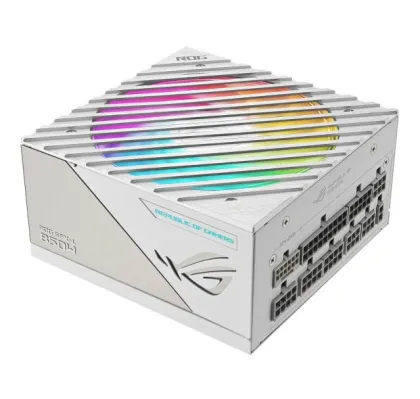
€239.00 Inc. VAT
€200.84 Excl. VAT
PC Power Supplies in Cyprus
Choose a replacement or upgrade power supply that suits your computer’s components and case. Compare capacity, dimensions and connections before buying.
Check More Than Wattage
Confirm the power requirements of the complete system, including the processor and graphics card. Check that the power supply provides the connectors required by your components.
Confirm Physical and System Compatibility
Match the power supply’s form factor and dimensions to your case. Some branded desktop computers use proprietary power supplies or connections, so check the exact system model.
Check Cables and Included Accessories
Review the cables supplied with the selected unit. For modular power supplies, use cables approved for that specific model rather than reusing cables from another unit.
Our team can help you identify suitable options from your computer and component details. Check power requirements against your graphics card, processor and other PC Components.