
Is Your Printer Ready for the Busy Season?
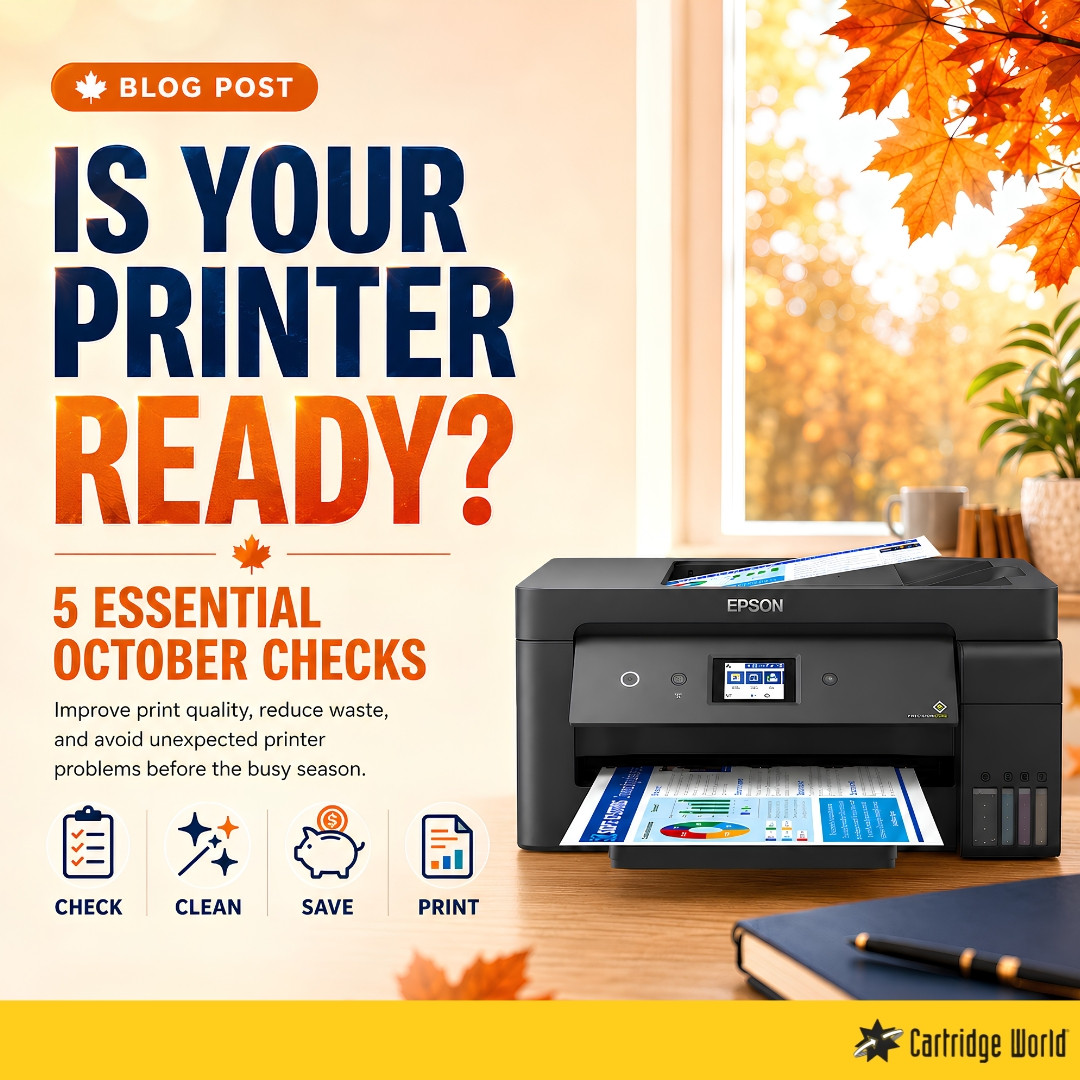
PrintingFive simple checks to improve print quality, reduce waste, and avoid unexpected problems
October is a good time to prepare your printer for the busier months ahead. As offices return to full schedules and students begin working on new assignments, printers often start handling more documents, presentations, invoices, and study materials.
A few simple checks can help prevent poor print quality, reduce unnecessary costs, and keep your printer working reliably.
1. Check Your Ink or Toner Levels
Do not wait until a cartridge is completely empty before arranging a replacement. Faded text, missing colours, and warning messages are signs that your ink or toner may be running low.
Keeping a spare cartridge available can help you avoid interruptions when an important document needs to be printed.
2. Look at Your Print Quality
Print a test page and check for:
-
Faded or uneven text
-
Lines across the page
-
Missing colours
-
Smudges or repeated marks
-
Blurry images
Some problems can be solved by running the printer’s cleaning or alignment function. If the issue continues, the cartridge or printer may need professional attention.
3. Clean the Printer Carefully
Dust and small pieces of paper can collect inside a printer over time. This may lead to paper jams, marks on printed pages, or feeding problems.
Turn the printer off before cleaning it and follow the manufacturer’s instructions. Avoid using strong cleaning liquids or touching sensitive internal parts.
4. Review Your Printing Costs
October is also a good opportunity to check how much your home or business is spending on printing.
Consider whether you are:
-
Replacing cartridges too frequently
-
Printing unnecessary colour pages
-
Using the correct cartridge for your needs
-
Ordering supplies only when they become urgent
Refill and remanufactured cartridge options may provide a more cost-effective alternative while still delivering dependable everyday print quality.
5. Choose the Right Paper
The paper you use can affect both the final result and the printer’s performance. Standard copy paper is suitable for everyday documents, while presentations, photographs, labels, and promotional materials may require a more specialised paper type.
Using paper that is too thick, damaged, or unsuitable for your printer can increase the risk of jams and poor print quality.
When Should You Ask for Help?
Unusual noises, frequent paper jams, error messages, or repeated print-quality problems may indicate that your printer requires servicing.
Addressing a small problem early can often prevent a more expensive repair later.
Keep Your Printing Running Smoothly
A quick printer check this October can save time, reduce stress, and help you prepare for the months ahead.
Cartridge World Cyprus offers ink and toner cartridges, refill services, printer supplies, paper, and expert support for homes and businesses.
Visit us in-store or explore our printing solutions online at cwcyprus.com.
Shop Pritners: https://cwcyprus.com/department/printers
Servicing & Repair: https://cwcyprus.com/servicing-repair-cwcyprus